Never miss a calibration
We email you before a device is due, and again if it becomes overdue, so your results stay accurate.


CalTrace keeps every Andatech device you own on track, from registration to its next calibration.
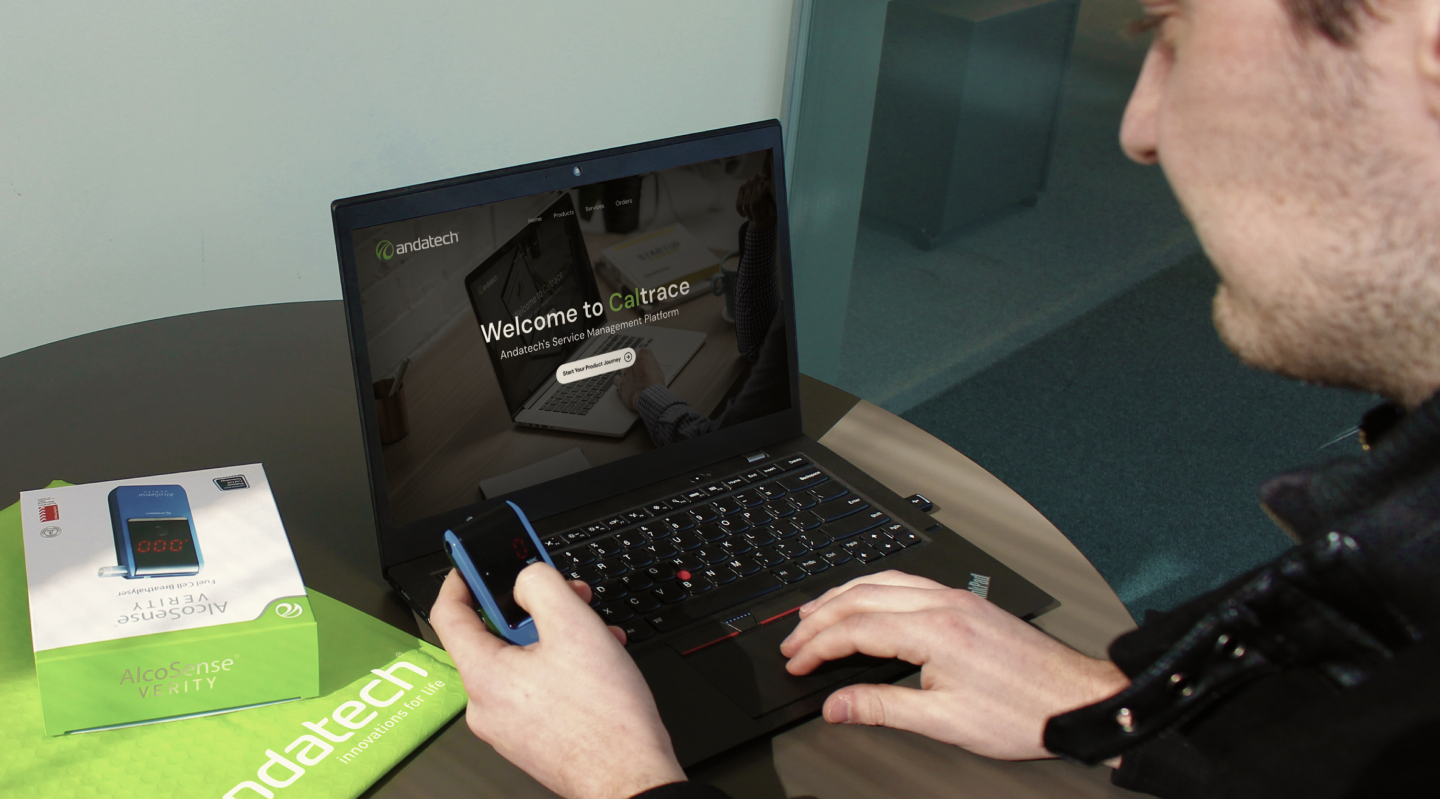






Set up once and CalTrace keeps your devices calibrated, covered and easy to service.
Sign up in a couple of minutes, or sign in if you already have one.
Add each device by serial number to activate its warranty.
See calibrations, repairs and orders for every device.
Schedule a calibration or lodge a service request online.
Everything you need to look after breathalysers and testing equipment, in one account.
We email you before a device is due, and again if it becomes overdue, so your results stay accurate.
Activate warranty by adding a serial number.
All your devices and purchase records together.
Choose a service centre and shipping method, and book a calibration without a phone call.
Calibration dates, test results and management plans for each device, always up to date.
Lodge a repair or return and follow it from drop-off to delivery.
“Andatech were extremely efficient getting my breathalyser back to me after calibrating it, and that was greatly appreciated.”
“Excellent company and excellent, reliable and prompt service.”
“Excellent communication and service. Recommend.”
Can't find what you need? Our help centre has guides for every step.
Visit help centreOpen the registration page, fill in the form and submit. You can then sign in straight away.
Sign in to CalTrace, open Products and select Register product.
Sign in, open the menu under your name and choose View profile to update your name, email, phone number and address.
Sign in, open Products and select the product you want to edit.
If you forgot your password, or your details were moved over from our older system, use the password reset page.
Sign in, open View profile from the menu under your name and change your email. You may need to verify the new address.
Create a free account and add your first product in a few minutes.